A/B Testing Explained: How to Run Your First Experiment

Jan van Dijk
March 2, 2026 · 9 min read
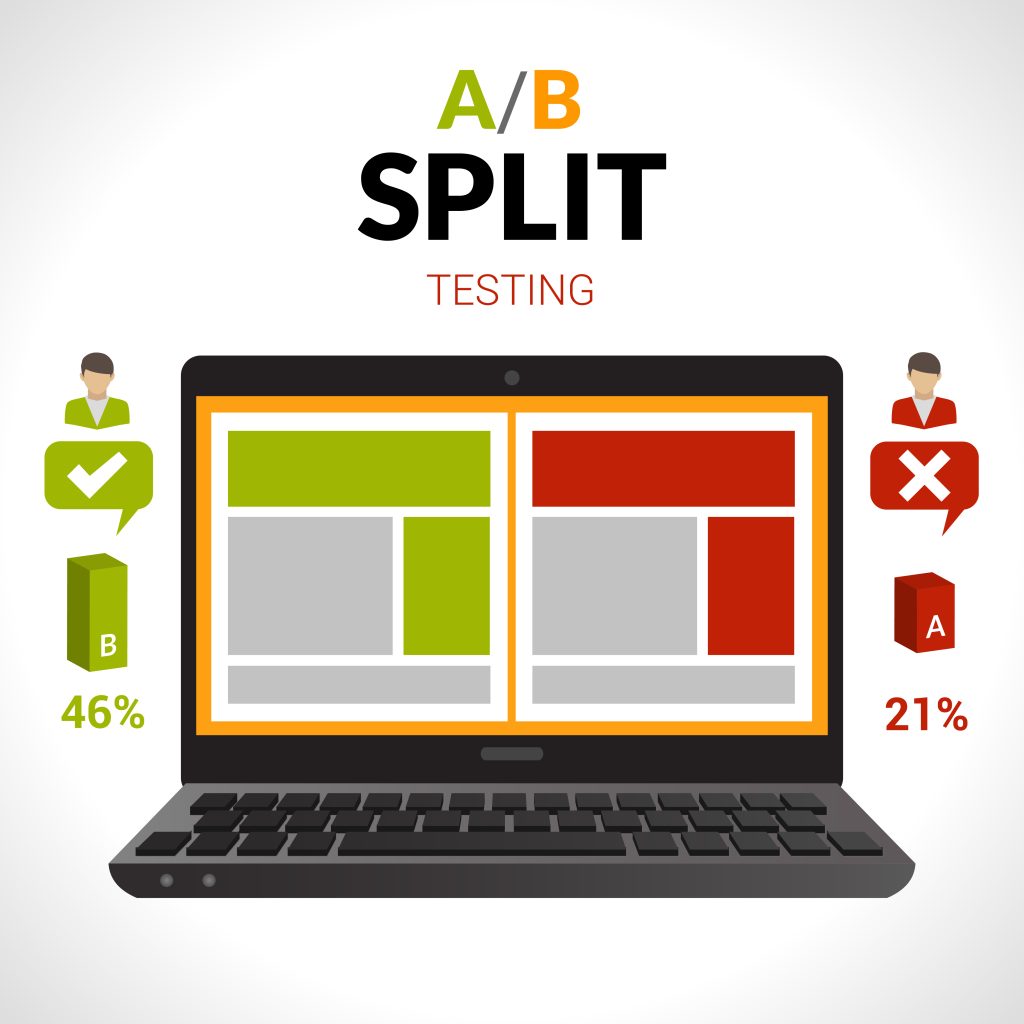
A few years ago, one of my clients once changed their CTA button from green to orange — and saw a 22% lift in conversions. That’s when I realized how powerful even small tests can be. The change took five minutes to implement, but the impact on their bottom line was enormous.
If you’ve ever wondered whether a different headline, image, or button color could improve your website’s performance, A/B testing is the answer. In this guide, I’ll walk you through everything you need to know to run your first experiment — even if you’ve never done one before.
What Is A/B Testing?
A/B testing (also called split testing) is a method of comparing two versions of a webpage, email, or other content to see which one performs better. You show version A to one group of visitors and version B to another group. Then you measure which version gets more clicks, sign-ups, purchases, or whatever outcome you care about.
Think of it like a taste test. You give half your friends chocolate ice cream and the other half vanilla. Then you ask which one they liked more. A/B testing works the same way, except instead of ice cream, you’re testing web pages.
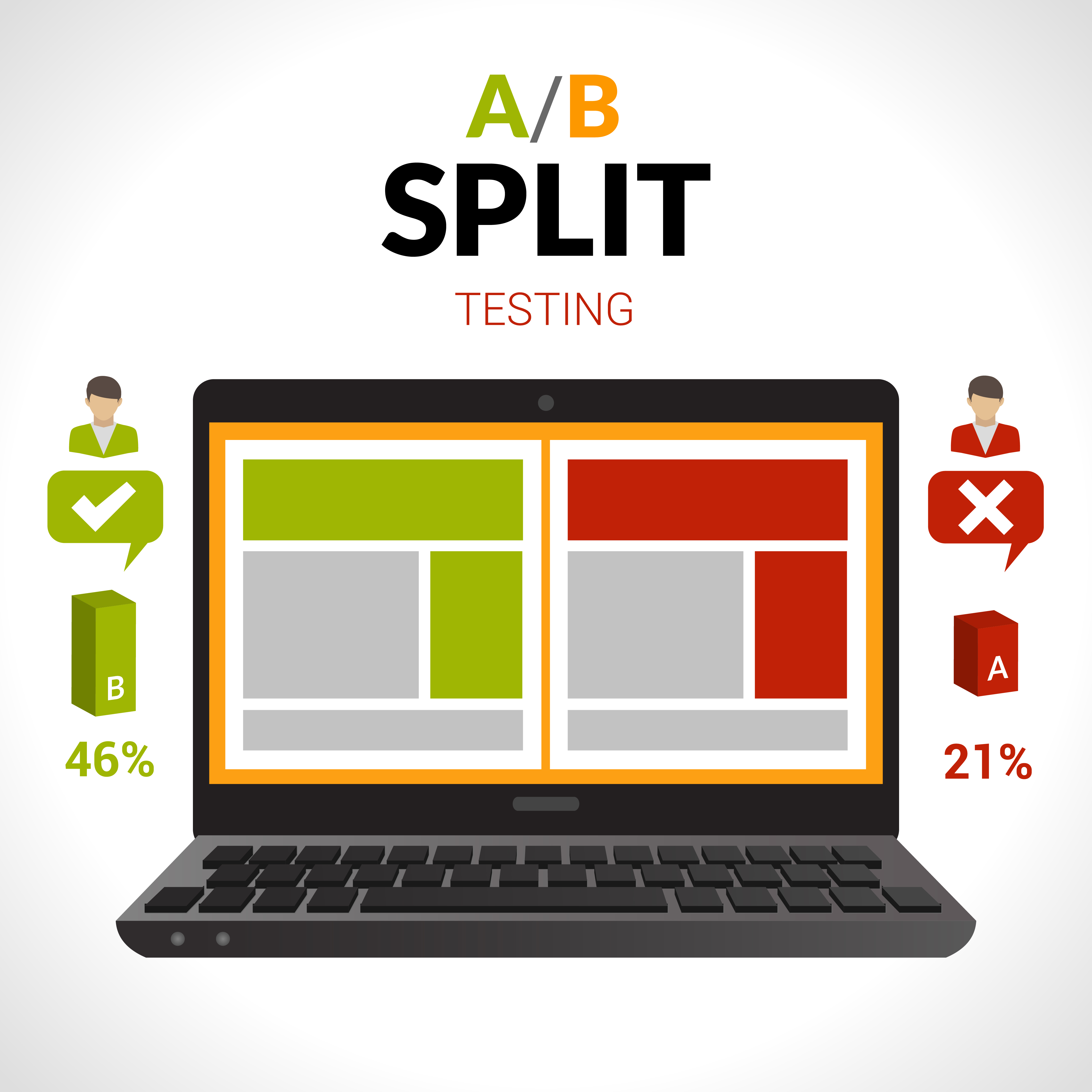
According to Wikipedia, A/B testing has roots going back to the early 1900s when statisticians first developed controlled experiments. Today, companies like Google, Amazon, and Netflix run thousands of A/B tests every year to optimize their products.
How A/B Testing Works
The process is surprisingly simple once you break it down. Here’s what happens behind the scenes:
- You pick one thing to change. This is your “variable.” It could be a headline, button color, image, or layout.
- You create two versions. Version A is your current page (the “control”). Version B is the page with your change (the “variant”).
- Your testing tool splits traffic. Half of your visitors see version A, and the other half see version B. This split happens randomly.
- You measure the results. After enough people have visited both versions, you compare the numbers to see which version performed better.
- You pick the winner. The version that performed better becomes your new default page.
The key is that you only change one thing at a time. If you change the headline and the button color at the same time, you won’t know which change made the difference. This is a fundamental principle that Optimizely’s testing glossary emphasizes for beginners.
What You Can Test
Almost anything on your website can be A/B tested. Here are the most common elements people test:
Headlines and Copy
Your headline is the first thing visitors read. Even small wording changes can make a big difference. For example, changing “Sign Up for Free” to “Start Your Free Trial” might increase sign-ups because it sounds less committal.
Call-to-Action Buttons
The color, size, text, and placement of your CTA buttons all affect how many people click them. I’ve seen tests where simply making a button larger increased clicks by 15%.
Images and Videos
The hero image on your landing page sets the tone. A photo of a real person might outperform a stock illustration — or vice versa. You won’t know until you test it.
Page Layout
Where you place elements on the page matters. Should the sign-up form be above the fold or below? Should you use a single-column or two-column layout? Testing gives you the answer.
Email Subject Lines
A/B testing isn’t limited to web pages. You can test email subject lines to see which ones get more opens. For instance, a question like “Are you making these SEO mistakes?” might outperform a statement like “Common SEO mistakes to avoid.” Use a character counter to keep subject lines within the recommended 50–60 character limit.
Pricing and Offers
Showing “$9.99/month” versus “$99/year (save 17%)” can dramatically change how many people subscribe. Both show the same product, but the framing changes behavior.
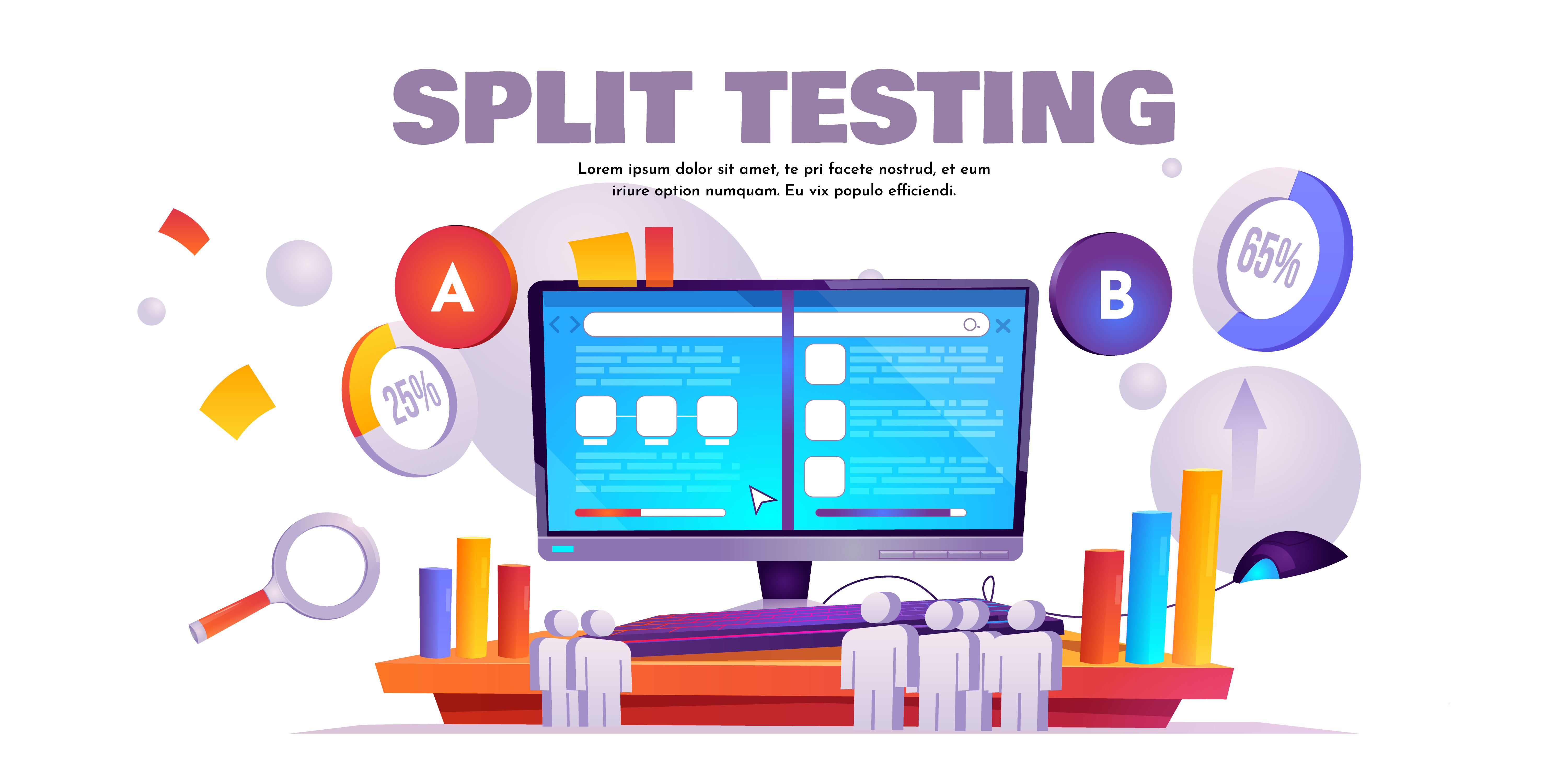
Running Your First A/B Test: Step by Step
Ready to run your first experiment? Follow these steps, and you’ll be testing like a pro in no time.
Step 1: Define Your Goal
Before you change anything, decide what you want to improve. Do you want more email sign-ups? More purchases? A lower bounce rate? Pick one clear, measurable goal.
For example, “I want to increase the number of people who click the ‘Buy Now’ button on my product page.”
Step 2: Form a Hypothesis
A hypothesis is an educated guess about what will improve your results. Write it like this: “If I change [X], then [Y] will happen, because [Z].”
Example: “If I change the CTA button from green to orange, then more people will click it, because orange stands out more against our blue background.”
Step 3: Choose Your Testing Tool
You need software to split your traffic and track results. Here are some popular options:
- Google Optimize — Google sunsetted this tool in 2023, but alternatives exist within the Google Marketing Platform
- Optimizely — A powerful enterprise option with a visual editor
- VWO — User-friendly and great for beginners
- Unbounce — Built specifically for landing page testing
Most of these tools offer free trials, so you can experiment without spending money upfront.
Step 4: Create Your Variant
Using your chosen tool, create version B of your page. Remember — only change one element. Keep everything else exactly the same.
Step 5: Set Your Traffic Split
Most beginners should start with a 50/50 split. This means half your visitors see version A and half see version B. This gives you the fastest, most reliable results.
Step 6: Run the Test
Launch your test and let it run. Don’t peek at the results every hour — we’ll talk about why in the next section. Let the data accumulate.
Step 7: Analyze the Results
Once your test reaches statistical significance (usually 95% confidence), you can declare a winner. Your testing tool will calculate this for you. If version B outperforms version A, make it your new default.
Understanding where visitors drop off in your conversion funnel can help you decide what to test next.
How Long Should You Run an A/B Test?
This is one of the most common questions I get. The short answer: at least one to two weeks, and until you reach statistical significance.
Here’s why timing matters:
- Weekday vs. weekend traffic. Your visitors might behave differently on Tuesdays than on Saturdays. Running a test for at least seven days ensures you capture a full weekly cycle.
- Sample size. You need enough visitors to make the results meaningful. If you only have 50 visitors per version, your results could be due to random chance. Most experts recommend at least 1,000 visitors per variation for reliable results.
- Statistical significance. This is a math concept that tells you how confident you can be in your results. A 95% confidence level means there’s only a 5% chance the difference happened by luck. As HubSpot’s A/B testing guide explains, ending a test too early is one of the biggest mistakes you can make.
A good rule of thumb: if your website gets fewer than 1,000 visitors per week, plan to run your test for two to four weeks.
Common A/B Testing Mistakes
After running dozens of tests for clients and my own projects, here are the mistakes I see most often:
1. Testing Too Many Things at Once
I mentioned this before, but it’s worth repeating. If you change the headline, the image, and the button color all at once, you’re running a multivariate test — not an A/B test. Stick to one variable for your first experiments.
2. Ending the Test Too Early
You see version B winning after two days and you get excited. But those early results often reverse once more data comes in. This is called the “peeking problem,” and it’s the number one reason A/B tests produce misleading results. Always wait for statistical significance.
3. Ignoring Small Wins
A 3% improvement in conversion rate might not sound exciting. But if your site generates $100,000 per year, that’s an extra $3,000 — from a single test. Small wins compound over time, and the most successful optimization programs are built on dozens of small improvements, not one lucky breakthrough.
4. Not Having a Hypothesis
Random testing without a hypothesis is like throwing darts blindfolded. Even if you hit the target, you won’t know why. Always start with a clear “if-then-because” statement so you learn something regardless of whether the test wins or loses.
5. Testing When You Don’t Have Enough Traffic
If your page only gets 100 visitors a month, A/B testing isn’t practical yet. Focus on driving more traffic first, then optimize with tests. CrazyEgg’s blog has a great breakdown of minimum traffic requirements for meaningful testing.
Real-World A/B Testing Examples
To give you some inspiration, here are a few well-known A/B test results:
- Obama’s 2008 campaign tested different hero images and CTA buttons on their donation page. The winning combination increased email sign-ups by 40%, which translated into millions in additional donations.
- Booking.com runs thousands of simultaneous tests across their platform. They’ve attributed much of their growth to a culture of continuous experimentation where any team member can propose and run a test.
- A simple button text change from “Start your free trial” to “Start my free trial” increased click-through rates by 90% in one well-known case study. The shift from second person to first person made users feel more ownership over the action.
These examples show that A/B testing isn’t just for big companies. Even small changes on a small website can have a meaningful impact on your results.
Frequently Asked Questions
What is the difference between A/B testing and multivariate testing?
A/B testing compares two versions of a page with one change between them. Multivariate testing changes multiple elements at the same time and tests all possible combinations. A/B testing is simpler, faster, and requires less traffic, making it the best choice for beginners. Once you’re comfortable with A/B testing and have high traffic, you can explore multivariate testing for more complex experiments.
How much traffic do I need for A/B testing?
As a general rule, you need at least 1,000 visitors per variation to get reliable results. If your page gets fewer than 1,000 visitors per month, consider testing higher-traffic pages first or running your test for a longer period. The exact number depends on the size of the improvement you expect to see — smaller differences require larger sample sizes to detect.
Can I A/B test on a small budget?
Yes. Several free and affordable tools exist for A/B testing. Open-source solutions like GrowthBook, free tiers from platforms like VWO, and built-in testing features in email marketing tools make it possible to start experimenting without a big investment. The most important resource you need isn’t money — it’s traffic and patience.
What should I A/B test first on my website?
Start with the page and element that will have the biggest impact on your goals. For most websites, that means testing the headline or CTA button on your highest-traffic landing page. Look at your analytics to find pages with high traffic but low conversion rates — those are prime candidates for testing because even a small improvement will affect a large number of visitors.
Wrapping Up
A/B testing is one of the most practical skills you can learn as a marketer or website owner. It takes the guesswork out of optimization and replaces opinions with data. You don’t need a huge budget, a massive team, or deep technical skills to get started.
Pick one element on your most important page, form a hypothesis, set up a simple test, and let the data guide your decisions. Even if your first test doesn’t produce a huge winner, you’ll learn something valuable about your audience — and that knowledge compounds over time.
The hardest part is starting. So open up a testing tool, pick your first variable, and run your first experiment today.
Written by Jan van Dijk
Independent web analyst from Amsterdam. I help small businesses understand their data and build tools that make everyday web tasks easier.
More about me